 velohud
Overlay your FIT telemetry on your videos
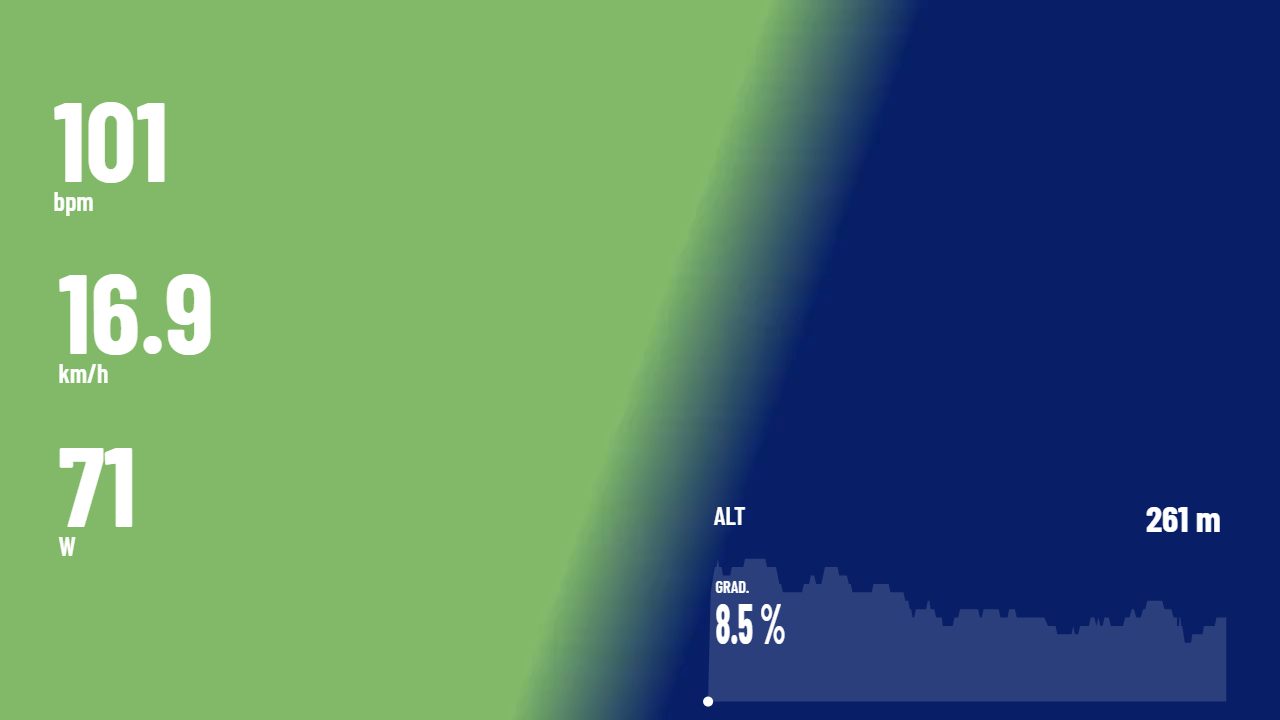
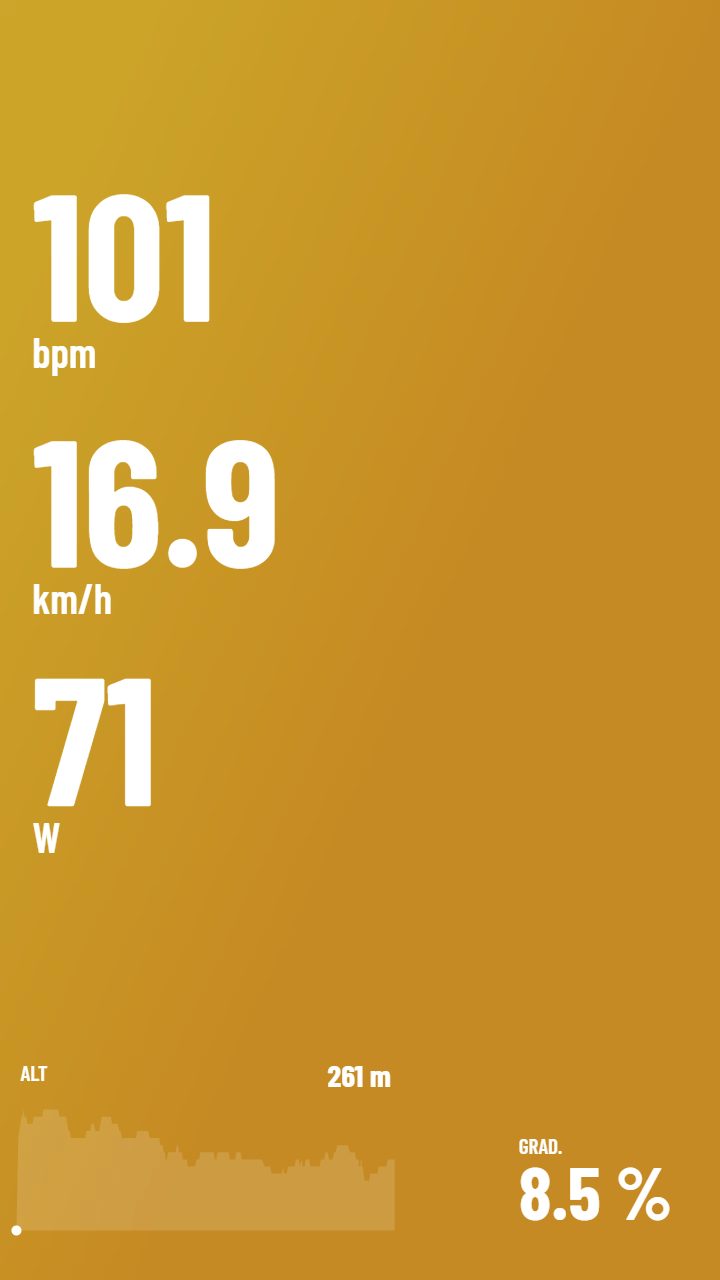
velohud syncs your activity with your clips and draws power, HR, speed and map over the video. Everything renders in your browser: your files never leave your machine.
Open the appMade with velohud
Why velohud
No intermediate videos or external editors: the overlay is burned into your clip and saved straight to disk.
Reads all three formats with no conversion, or pulls activities from Intervals.icu with your API key.
18 templates with 14 widget kinds: big numbers, gauges, elevation profile, grade, maps and compass.
Reads each video recording date and aligns it with the activity; fine-tune to 0.1 s with the arrows.
Sync several videos against a single ride, each with its own offset and template.
No plans or subscriptions: supported by one-time Ko-fi donations.
How it works
- Add your MP4 or MOV clips and your .FIT, .GPX or .TCX file (or pick an activity from Intervals.icu).
- Sync each clip: auto offset uses the video recording date, then nudge with ← / →.
- Pick a template, place the widgets and render. The video saves straight to your disk.
Formats and compatibility
- Video: MP4 and MOV in H.264. iPhone HEVC does not decode in Chrome: convert to H.264 first.
- Telemetry: .FIT, .GPX or .TCX files with timestamped records (Garmin and compatibles) or Intervals.icu activities.
- Browsers: Chrome and Edge on desktop and Android. Safari and iOS lack WebCodecs and are not supported.
- Templates: 18 included across 14 widget kinds; build your own and export them as JSON.
Private by design
Rendering is 100% local with WebCodecs: neither the video nor your activity is ever uploaded anywhere.
An account is optional: it only stores your templates in the cloud and your Intervals.icu key.
Guides
Sync your FIT with your videoSync is the heart of the overlay: every frame must show the data of the exact second. velohud proposes an automatic offset and lets you fine-tune it by hand. Put power, HR, speed and GPS on your videoWidgets read your activity second by second and draw over every frame at render. Pick a ready template or build your own. Render and export your video with telemetryRendering draws the widgets over every frame and produces an MP4 ready to share. It all happens in your browser. Pull your telemetry from Intervals.icuIf your activities live in Intervals.icu, skip downloading files: connect your personal API key and pick the activity inside the app. Dashware & VIRB Edit alternativesThe two free giants of telemetry overlay stopped development. Here is what is left standing —paid, free and open source— and who each option fits.Frequently asked questions
What is velohud?
A web editor that overlays sports telemetry (power, heart rate, speed, GPS) from your .FIT, .GPX or .TCX file onto MP4/MOV clips, with configurable templates and widgets.
Do I have to upload my videos to a server?
No. Rendering happens entirely in your browser with WebCodecs: neither the video nor your activity leaves your machine.
Which files does it accept?
MP4 and MOV video encoded in H.264, and telemetry in .FIT, .GPX or .TCX format with timestamped records. You can also pull activities from Intervals.icu with your API key.
How does it sync the video with the activity?
It reads the video recording date, computes the offset against the activity start, and lets you nudge with the arrow keys (0.1 s, or 0.5 s with Shift) or by dragging over the activity view.
Does it work in my browser?
In Chrome and Edge, on desktop and Android. Safari and every browser on iPhone/iPad lack WebCodecs, so the app detects that case and tells you.
Do I need an account?
No. The app works without one. If you register, your templates are stored in the cloud and you can connect Intervals.icu.
Do my iPhone videos work?
If they are HEVC, Chrome cannot decode them: convert to H.264 before loading. The app warns you when a video fails to decode.
Can I build my own templates?
Yes. Start from one of the 18 included, add, move and resize widgets, and export your template as JSON to reuse or share it.
What is Intervals.icu here?
An optional telemetry source: paste your personal API key and pick activities without files. The key is stored encrypted on your account.
Why is there no Strava connection?
This is a small project and Strava’s limits don’t fit: new apps can only access their own author, require review to grow, and the API quotas can’t sync many users. With .FIT, .GPX or .TCX files, or Intervals.icu via personal API key, you get the same telemetry without those ceilings.
Why can’t I sign in with my Garmin account?
Garmin offers no self-service “sign in with Garmin”: data access goes through their developer program, with an application and review aimed at companies. As a small project, the practical path is the same: download the file (.FIT, .GPX or .TCX) from Garmin Connect or sync via Intervals.icu.
Where are my templates stored?
In your browser by default. With an account, also in the cloud, and you get them back on any machine.
Support the project
velohud is free and open source. If it helps you, a one-time Ko-fi donation helps pay for the domain and keep improving it.